How it works
Four steps from signing in to a full card.
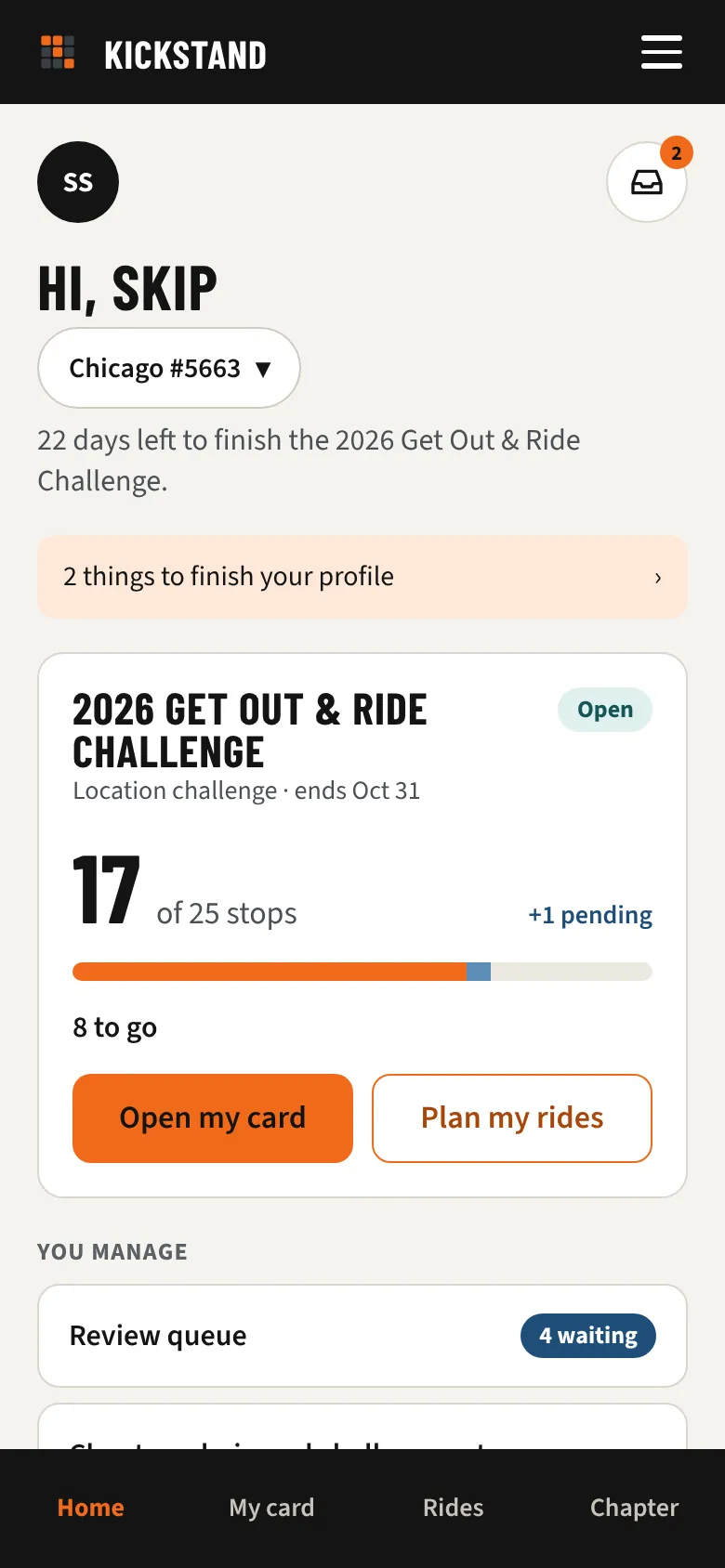
1. Join your chapter's challenge
Sign in with an email code (no password), enter your chapter's invite code or tap its invite link, then join the challenge on Home.
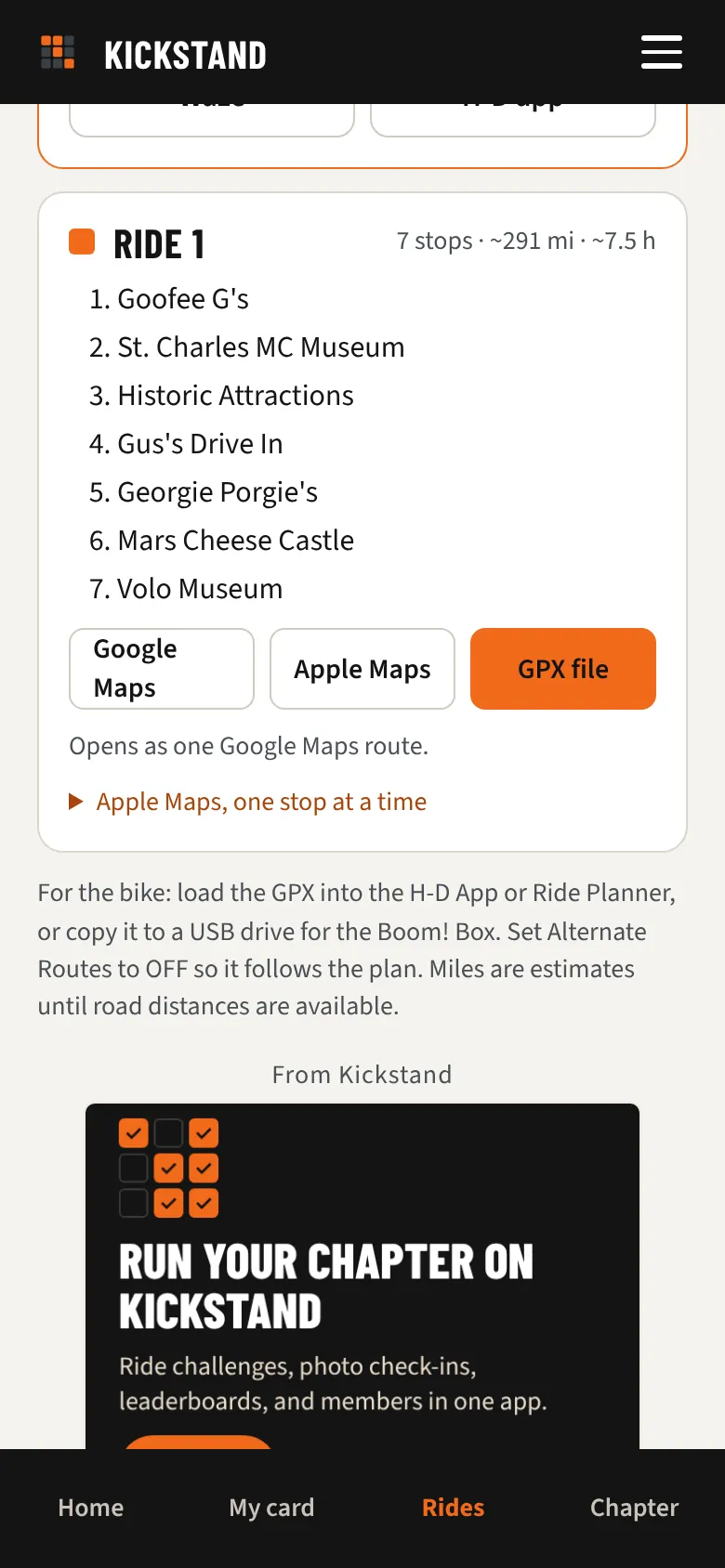
2. Plan your rides
The planner builds loops from your dealer that fit the miles you like in a day, and opens them in Google Maps, Apple Maps, or as a GPX file.
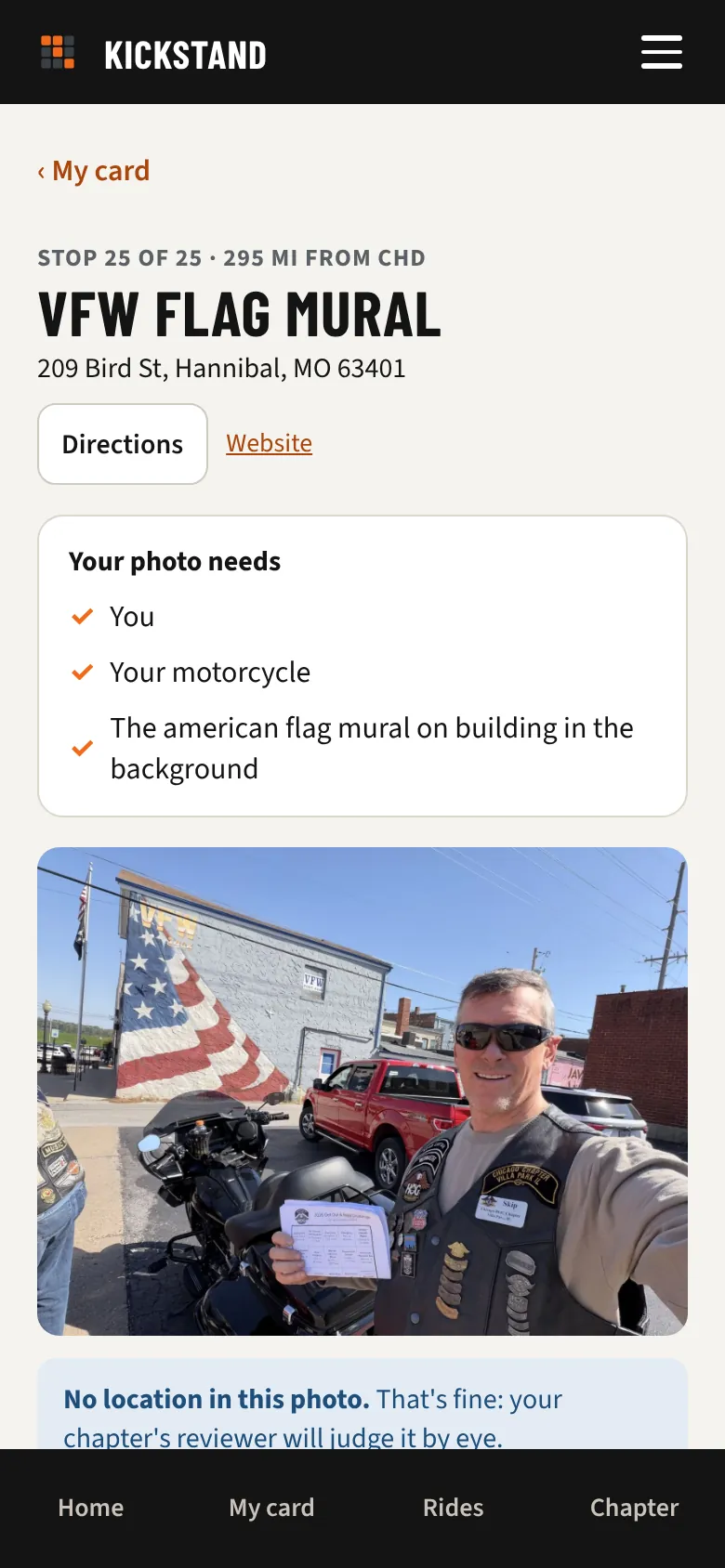
3. Snap a photo at each stop
You, your bike, and the sign or landmark. Each stop says how to get the shot. The GPS check helps the reviewer and never blocks you.
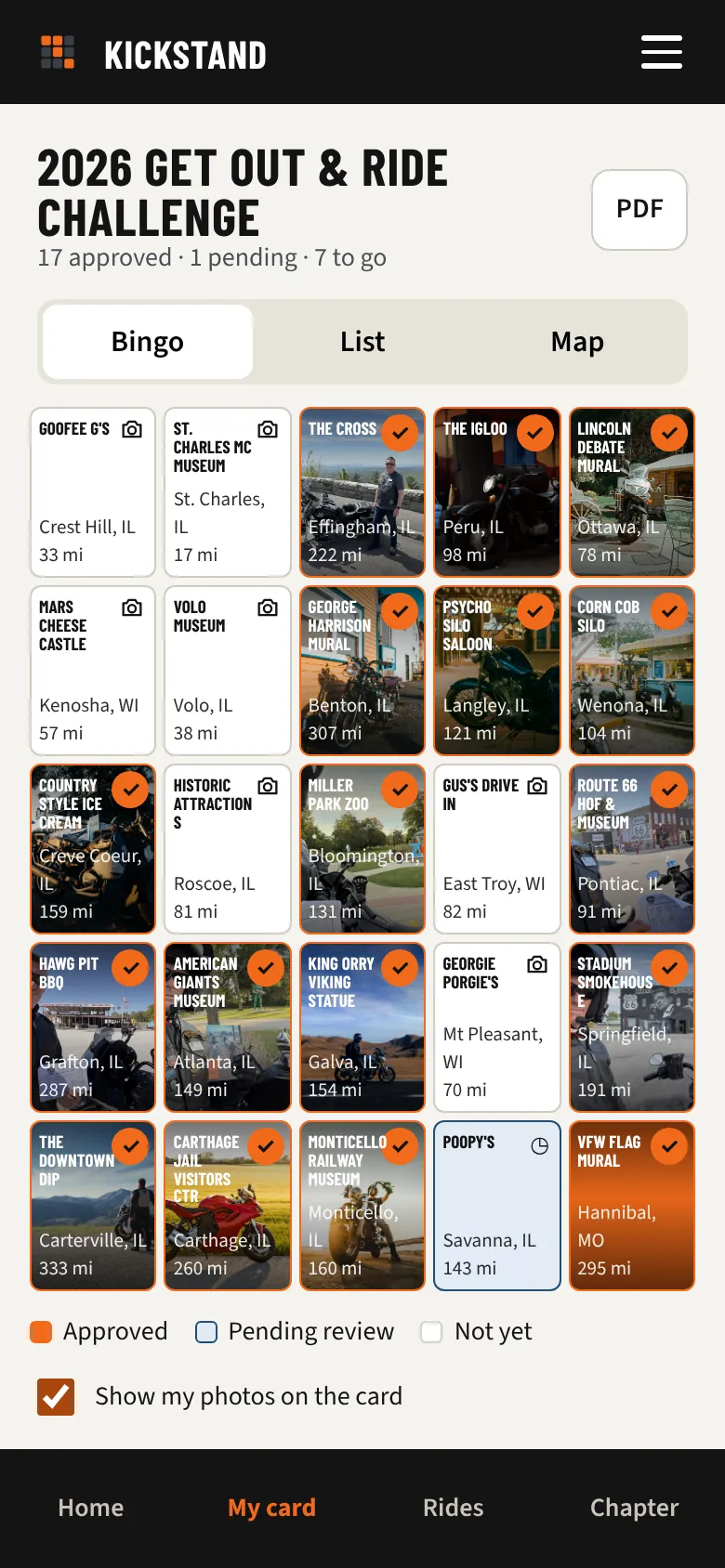
4. Watch your card fill in
An officer approves your photo and the square lights up. The leaderboard and your pace line update on their own.
Questions riders ask
Do I need to be in a chapter?
Chapter challenges run through your chapter. Soon you can also build a personal challenge of your own, free, and share it.
What if my phone has no signal at the stop?
Take the photo anyway and send it from your camera roll later. Photos keep the location they were taken.
Is this the official H.O.G. app?
No. Kickstand is made by 16Wells for chapters, including H.O.G. chapters. It isn't affiliated with Harley-Davidson or H.O.G.